Set a lesson first
This feature requires you to choose and set lesson data available on the website. To get a better understanding of how to do this, we recommend reading the guide.
Browse our games
Navigate to the games page.
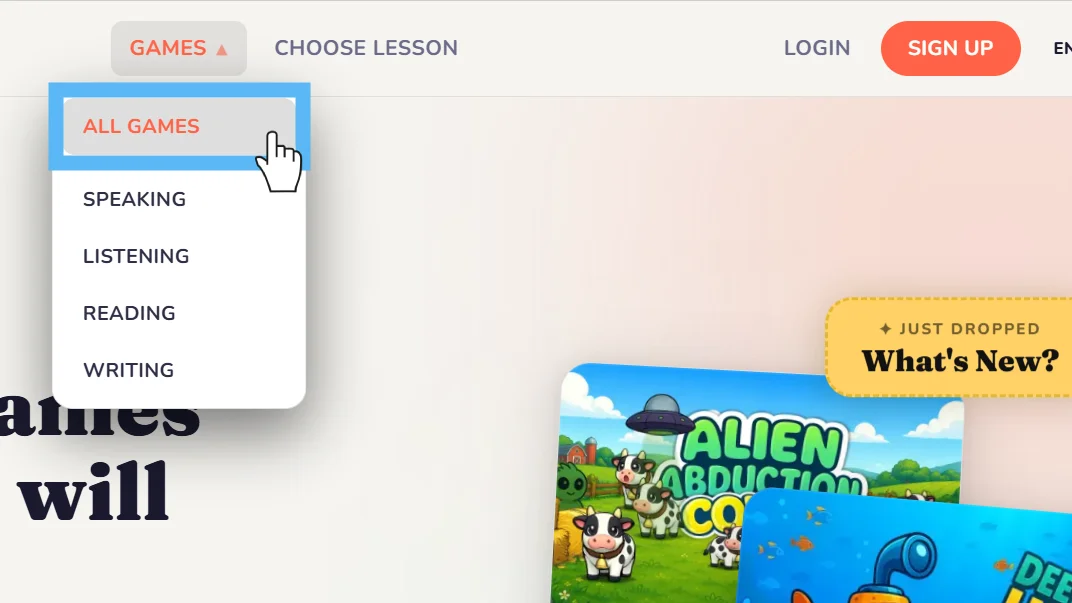
Choose a game to craft
Choose a game you want to edit with your currently selected lesson data by clicking the 'Forge Game' button. If you don't have any selected lesson data or have not signed up, you'll be prompted to do so first.
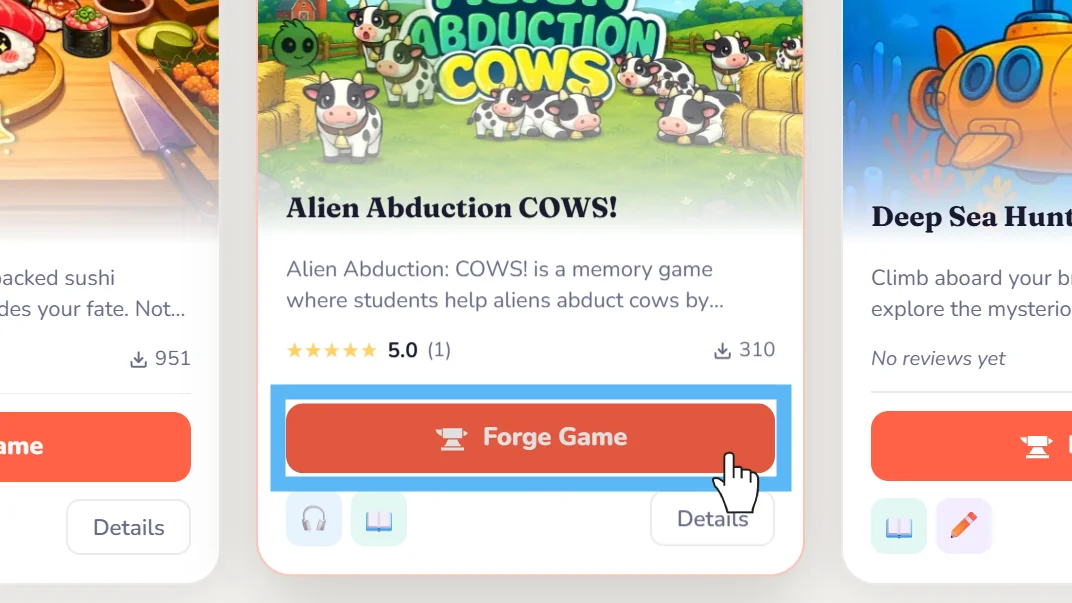
Adjust lesson data
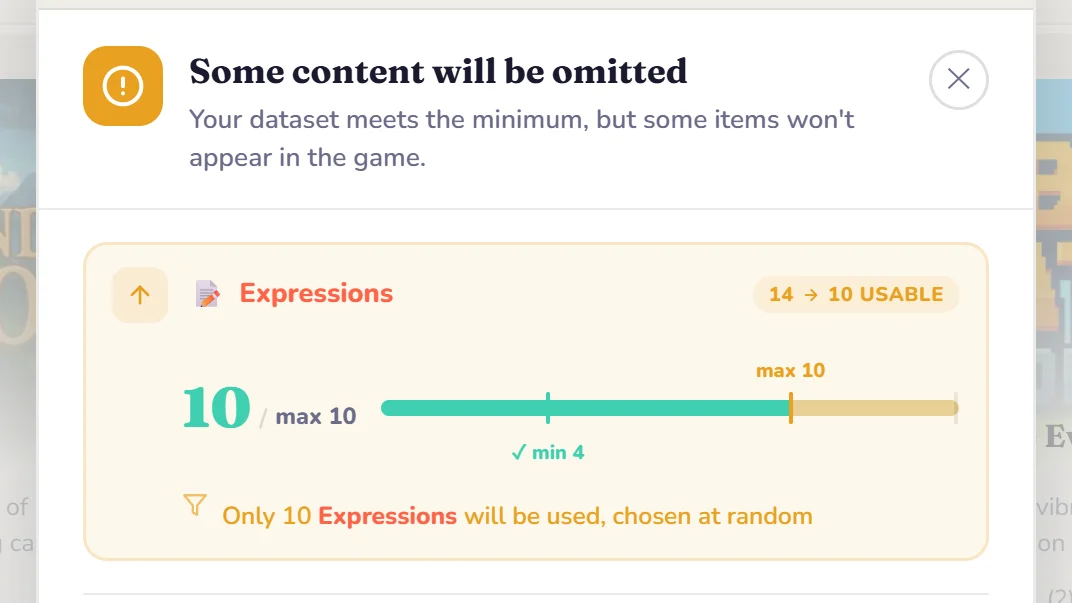
In some cases, you'll be prompted that your current lesson data may be altered. This is because each game is unique and is limited in how it can use expressions and vocabulary.
Wait while we edit
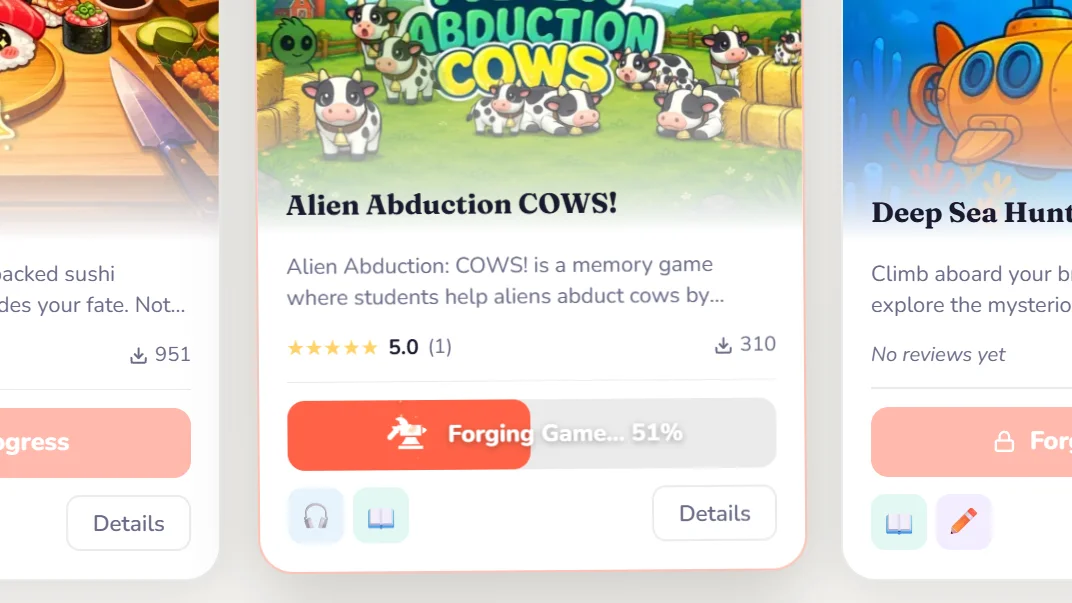
Take note of the progress bar, which indicates our platform is working to craft your game with your chosen lesson data. Feel free to look at other games while you wait!
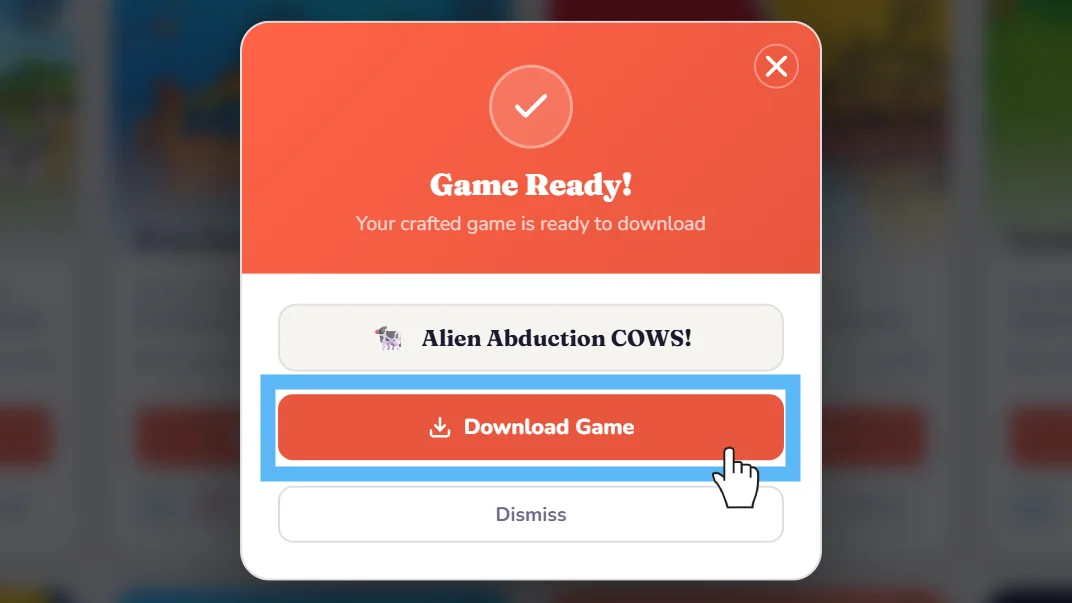
Download and play!
Once the game has been crafted, simply download the file directly to your browser.
Still need help?
Can't find what you're looking for? Our support team is happy to help you directly.